

Documentation Index
Fetch the complete documentation index at: https://setup.cevro.ai/llms.txt
Use this file to discover all available pages before exploring further.
Using Templates
When creating a new AIP, you can start from a template:- Navigate to Workspaces → AIPs
- Click Create New
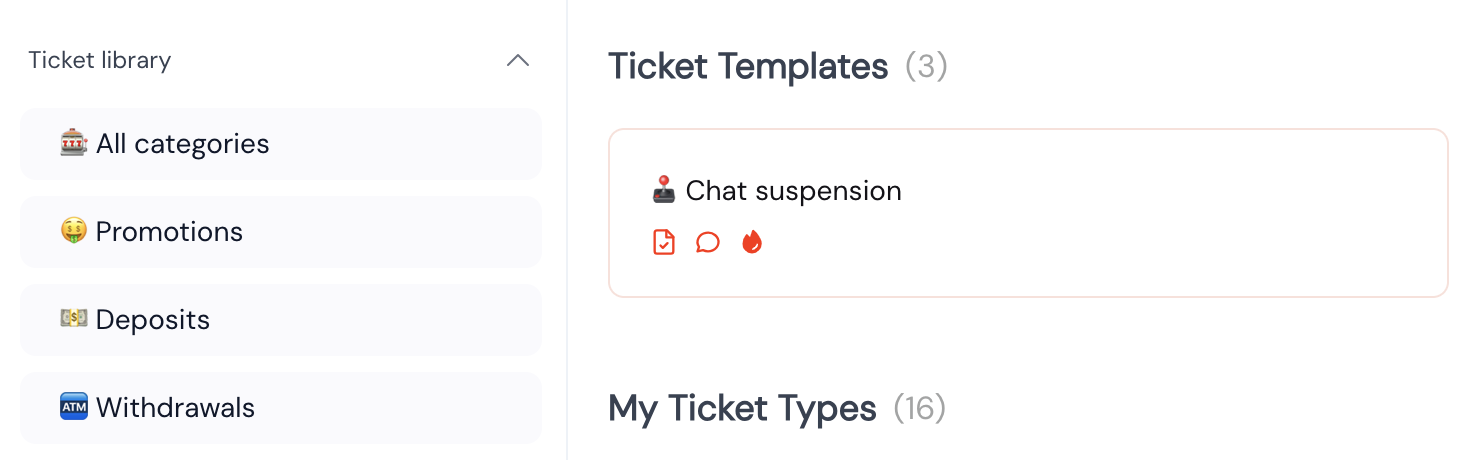
- Browse the template library by category
- Select a template that matches your use case
- Customize the instructions, Player Context, and settings as needed
- Name and description — Clear intent definition
- Instructions — Step-by-step handling guidance
- Suggested Player Context — Relevant data lookups
- Category — Organizational grouping
Template Categories
Templates are organized by common support topics:- Withdrawals — Status checks, delays, cancellations
- Deposits — Missing deposits, payment issues
- Bonuses — Eligibility, terms, wagering requirements
- Account — Verification, settings, closure requests
- Technical — Login issues, site problems
- Responsible Gaming — Self-exclusion, limits, cool-off periods
Customizing Templates
Templates are starting points, not finished products. After selecting a template: Review the instructions — Ensure they match your policies and procedures Add your Player Context — Connect the relevant data from your backoffice Adjust behavior settings — Configure authentication and escalation rules Add brand variants — Create brand-specific versions if needed Test thoroughly — Use Preview or Playground before publishingCustom AIPs
If you need an AIP that doesn’t match any template, you can:- Create a blank AIP from scratch
- Contact your account executive for help designing complex procedures
Related Documentation
- AI Procedures (AIPs) — Full guide to creating and configuring AIPs
- Player Context & Actions — Data and actions available in instructions
- Testing AIPs — Verify your procedures before going live