

Documentation Index
Fetch the complete documentation index at: https://setup.cevro.ai/llms.txt
Use this file to discover all available pages before exploring further.
Ticket Handling Basics
Onboarding Cevro AI is different from building a traditional chatbot. There are no conversational-bot diagrams or flow builders. Instead, onboarding Cevro AI is similar to how you would onboard a human agent, with explicit guidance and instructions to follow. This approach enables Cevro to have powerful capabilities, allowing it to consider different scenarios and edge cases that are impossible to preprogram, perform various actions on the backend with reasoning, and carry out effective conversations with players.Example Scenario
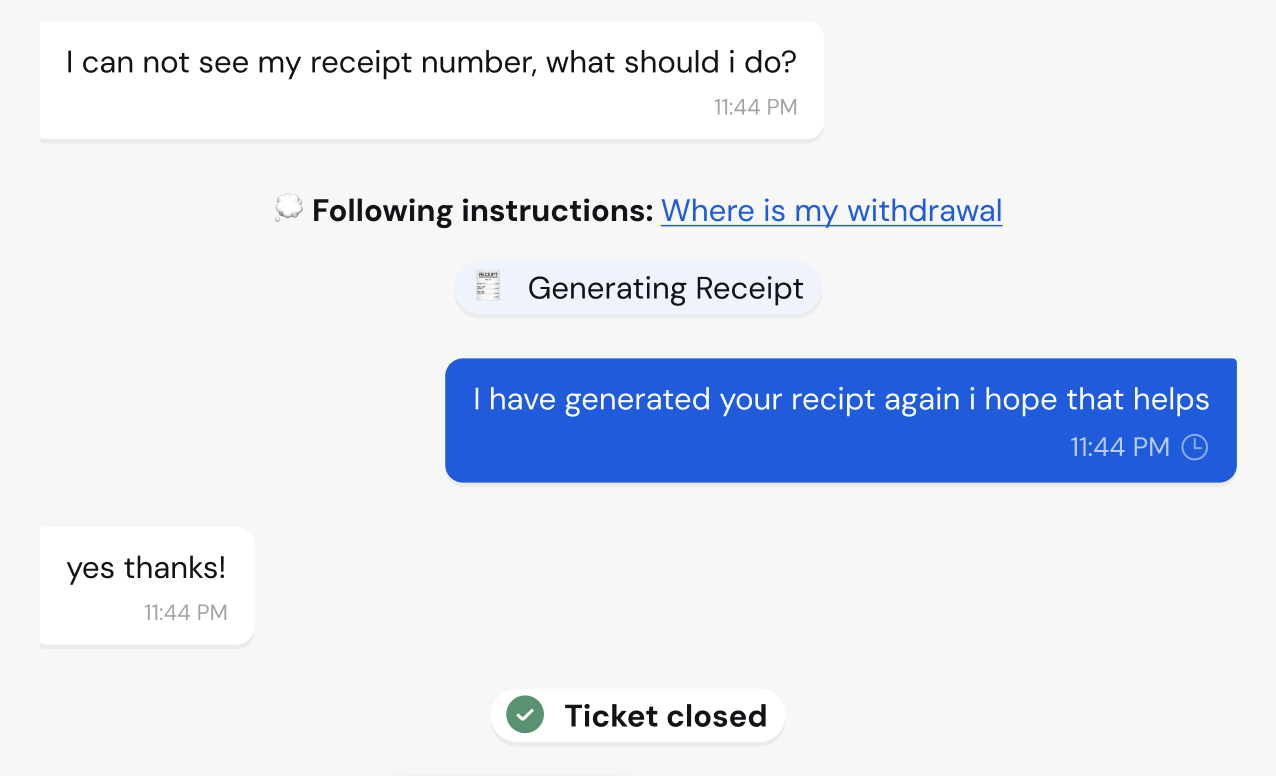
Let’s say a player is contacting support because they are unable to initiate a withdrawal. You can instruct Cevro to look at different possibilities when determining how to solve the issue. For example, you might instruct it to check how many concurrent withdrawals are active or whether this is the first withdrawal that might need to meet a certain minimum of bets volume compared to their first deposit value. The possibilities are endless. Cevro AI is built and fine-tuned to handle advanced and complex tickets that are usually handled by human agents. Following these instructions, Cevro AI can take multiple actions seamlessly, like a human would, such as tagging the conversation, creating a back-office Jira ticket, pulling relevant player information, and responding to the player with a relevant resolution.Components of Ticket Handling Automation
Triggering the Ticket Handling Automation
The ticket handling automation is triggered with advanced reasoning that uses the AIP’s name and description. Our models and training are smart enough to make a cognitive decision on which procedure to access based on the player’s needs. The better the description, the better the results. Example: It’s better to have one AIP with the name “I can’t make a withdrawal” and another for “I don’t see my withdrawal in my account” instead of making one AIP that includes both named “withdrawal issues.”Instruct & Guide
The cornerstone of how Cevro handles support tickets is based on the instructions you give it. You will need to instruct Cevro’s AI with your SOPs (standard procedures) and ticket handling instructions so that the AI agent knows what to consider when a ticket reaches it.You can instruct Cevro to perform actions as part of its ticket handling, such as creating a back-office ticket or fetching specific user data, as you will see in the example.
Typical example of how to instruct the AI agent:
Tips for instructions
- Break the instructions into short sentences.
- If something is important, add the word “important” to it, as you would when instructing a human agent.
- Try to be concise
- Be very specific and explain exactly what you want to be done.
Actions
As the name suggests, actions are the cabilities and tools the AI agent has access to when handling a ticket. Similar to how a human agent can conduct actions beyond just chatting with a player, some examples of typical actions:- Creating a back-office ticket
- Escalating the ticket
- Tagging the ticket
- Analyzing an image
- Fetching back-office data
- Alerting the Responsible Gaming (RG) team
Actions are created with the actions configuration builder. There are built-in actions as well as the ability to use an API builder to set up external actions to any back office or API.
Personality, Tone & Style
Just like hiring human customer service agents, you want AI agents who communicate with empathy, friendliness, and a tone that matches your brand. Agent personality configuration is handled separately from AI Procedures (AIPs) because tone and style are fundamental to your agent’s identity, not to specific procedural workflows.Agent tone and style are configured on the Agents page. Visit that page to set up personality attributes, reply examples, emoji usage, verbosity settings, and all other communication style options.
- Personality Attributes - Choose from 15+ traits like Empathetic, Professional, Friendly, Concise, etc.
- Reply Examples - Provide sample responses that demonstrate your desired tone
- Emoji Usage - Enable or disable emojis in agent responses
- Response Length - Configure concise or detailed response styles
- Acknowledgment Mode - Set neutral or empathetic acknowledgments
Configure Agent Personality
Set up tone, style, attributes, and communication preferences for your AI agents